
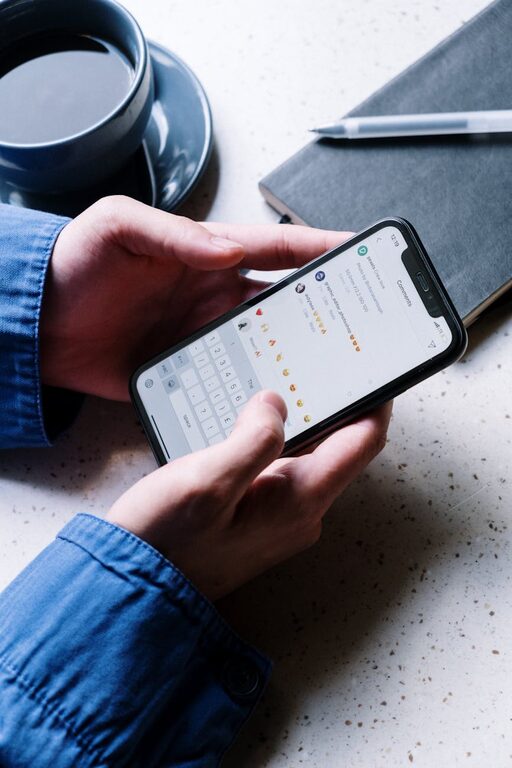
In today’s digital world, notifications pop up constantly, vying for our attention. While they can be helpful reminders, unchecked notifications quickly become a source of distraction and stress. Setting clear boundaries with your notifications is a key step toward maintaining focus, managing your time better, and improving your overall wellbeing. Below, we explore practical strategies you can apply to take control of your digital interruptions.
Why Setting Boundaries with Notifications Matters
Notifications are designed to grab attention, but constant alerts can fragment your focus and make it hard to get into a deep workflow. By controlling when and how you receive notifications, you can:
– Reduce distractions and improve concentration
– Create dedicated periods for uninterrupted work or rest
– Lower stress caused by feeling “always on”
– Improve your ability to prioritize what really matters
Assess Your Notification Habits
Before making changes, it’s helpful to understand your current notification habits. Ask yourself:
– Which apps send me the most notifications?
– How often do I check my device because of alerts?
– Do notifications interrupt my focus during work or relaxation?
– Which notifications feel urgent, and which can wait?
This reflection helps identify which alerts deserve your attention and which can be muted or minimized.
Practical Tips for Setting Boundaries with Notifications
1. Customize Notification Settings
Most devices and apps allow you to fine-tune notification preferences. Consider:
– Turning off non-essential app notifications
– Prioritizing alerts from important contacts or apps only
– Disabling notification sounds or vibrations for less urgent apps
– Using “silent” or “banner” alerts instead of pop-ups
Diving into the settings app on your phone or computer is a great first step towards curbing notification overload.
2. Use Do Not Disturb and Focus Modes
Leverage built-in tools designed to minimize interruptions:
– Do Not Disturb (DND): Temporarily silences calls, messages, and alerts. Schedule DND during meetings, deep work, or sleep hours.
– Focus Modes (iOS/Android): Allow customized notification filters based on activities like work, personal time, or sleep. You can permit only essential notifications during these periods.
Using these tools can help create intentional blocks of time without distractions.
3. Set Specific Times to Check Notifications
Instead of responding to notifications instantly, try batching:
– Designate set times during the day to review and respond to messages or alerts
– Turn off push notifications when outside these windows
– Stick to these times to avoid continuously breaking your focus
Batch processing notifications reduces constant task-switching and helps you control your workflow.
4. Limit Social Media and Messaging Notifications
Social media platforms and messaging apps tend to send frequent notifications that may not be urgent. To manage them:
– Disable push notifications for likes, comments, or non-essential updates
– Turn off “read receipts” or status updates that create pressure to respond
– Use app timers or screen time limits to reduce overall engagement
This helps reclaim your attention for more meaningful activities.
5. Manage Email Notifications Wisely
Email can be a significant source of alerts. To reduce overload:
– Turn off desktop and mobile email notifications
– Check email only at scheduled times (e.g., morning, midday, end of day)
– Use email filters or labels to sort and prioritize messages automatically
This approach reduces distraction and improves your email productivity.
6. Communicate Your Boundaries Clearly
Set expectations with friends, family, and colleagues about how and when you’re available:
– Let others know when you use Do Not Disturb or focus modes
– Share preferred channels and times for urgent communications
– Use auto-replies or status messages to inform about your availability
Clear communication makes boundary-setting more effective and ensures others respect your focus time.
7. Regularly Review and Adjust Notification Settings
Your needs might change over time, so it’s important to:
– Periodically review which notifications are enabled
– Adjust settings based on new priorities or habits
– Remove apps you no longer use that send unnecessary alerts
Regular review ensures your notification boundaries stay aligned with your lifestyle.
Bonus Tips for Maintaining Healthy Notification Habits
– Keep your phone out of reach during focused work or meals to avoid temptation.
– Use wearable devices (like smartwatches) selectively, turning off non-essential alerts.
– Opt for visual or badge notifications rather than sounds to reduce disruption.
– Practice mindfulness techniques to help resist the urge to check notifications reflexively.
Final Thoughts
Notifications are useful tools, but without boundaries, they can dominate your attention and disrupt your day. By consciously managing and customizing how you receive notifications, you can regain control over your time and focus. Start small—adjust settings for just a few apps—and gradually build a more mindful notification routine that supports your productivity and wellbeing.
Taking these steps will help you create digital habits that serve you better, making space for what truly matters in your busy life.